What Is a VPN Router and Why It Matters
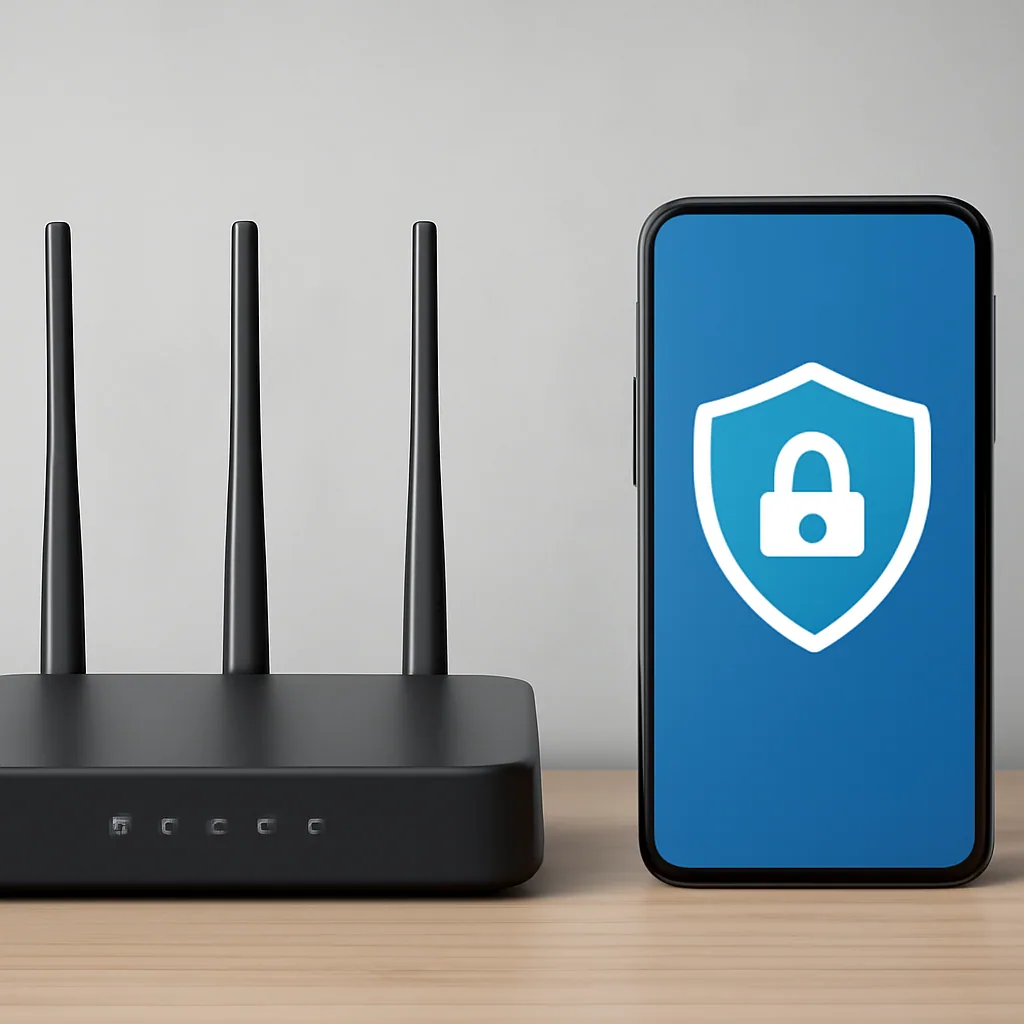
Home networks get simpler when one device handles the privacy work. A VPN router is just a regular router with VPN software running on it, so every device connected to your Wi-Fi gets covered automatically. No app to open, no sign-in each time, no forgetting to turn it on before you browse.
This guide covers vpns for routers.
Here's a simple example. Say you have a smart TV, two laptops, and three phones at home. Installing a VPN app on each one would take time, and some devices, like older smart TVs, can't even run VPN apps.
Set up the VPN on the router instead, and all six devices are covered the moment they join the network.
Why This Setup Appeals to Everyday Users
Families like this approach because kids' tablets and gaming consoles get the same protection without extra steps. Preloaded models can come with the software already installed, which saves setup time.
Where a VPN App Still Fits In
You don't have to choose only one method. Many people run a router VPN for the whole house and still use an app, like Safeneon VPN, on a travel laptop or phone for one-off tasks. If you're still deciding between the two approaches, this beginner's guide to VPN providers breaks down the basics in plain language.
How VPN Routers Differ from Device-Based VPN Apps
So which one actually protects you better: an app on your phone or a VPN router sitting in your closet? The honest answer is they solve different problems, and picking the right one depends on what you're trying to protect.
What a VPN App Does
A VPN app like Safeneon VPN installs directly on one device. You open it, hit connect, and that single phone, laptop, or Chrome browser gets protected traffic.
This setup is simple and fast. It's also why apps work so well for travel, public Wi-Fi at coffee shops, or quick privacy checks without touching your home network at all.
What a VPN Router Does Differently
A router as vpn setup protects everything connected to that Wi-Fi network automatically, including smart TVs, game consoles, and gadgets that can't run VPN software on their own. You configure it once at the router level, and every device inheriting that connection is covered without separate logins.
That's a real advantage for families or small businesses with a dozen connected devices home. But there's a trade-off: router-level VPNs can be slower to set up, harder to switch locations on the fly, and some routers need firmware flashing before they even support it.
My Recommendation
For most everyday users, start with a device app. It's easier to troubleshoot and you control exactly what's protected. Save the router route for households juggling many connected devices where per-app setup gets impractical.
Can You Add a VPN to Your Home Router?
Most home routers can take a VPN, but the setup depends heavily on the model you own. Some support it out of the box; others need a firmware swap first, and that trips up a lot of beginners.
The Common Mistake: Assuming Every Router Works
Plenty of people buy a VPN subscription, then discover their router has no VPN option anywhere in its settings. That's because many budget routers from internet providers ship with closed firmware that blocks custom features entirely. Trying to force a VPN onto one of these usually ends in frustration and wasted time.
The Better Way: Check Compatibility First
Before buying anything, look up your router's model number and search whether it supports OpenVPN or third-party firmware like DD-WRT or Tomato. Mid-range models can handle VPN setup well, and some routers even come preloaded with a VPN already configured. If your current router can't do it, a travel-sized router or a pre-configured option is often the simpler fix.
Here's the honest trade-off: configuring a router router vpn setup gives every connected device protection at once, but it's a one-time technical project, not a quick toggle. If that sounds like more than you want to deal with right now, running Safeneon VPN directly on your Windows or Android devices gets you protected in minutes, no router menus required.
Exploring VPNs for Routers: Core Benefits and Trade-Offs
Why would you put a VPN on your router instead of just using an app? The short answer: coverage versus convenience. A router VPN protects every connected gadget at once, but it comes with real trade-offs you should know before you buy a new router or reflash an old one.
The benefits, with a worked example
Installing Safeneon VPN on each device that supports it covers part of that list. Put the VPN on the router instead, and the TV and console get protected too, since the connection applies at the network level, not the device level.
That's the main draw of router router vpn setups: one configuration, whole-home coverage. Families often like this because kids' tablets and older devices without VPN app support still get covered automatically.
The trade-offs worth weighing
Router VPNs aren't free of downsides. Compatible routers with pre configured VPN firmware often cost more upfront, and some sellers even offer professional setup as part of the price1. Performance can also dip, since the router's processor now has to handle encryption for every device on your home network, not just one.
| Approach | Coverage | Server switching |
|---|---|---|
| VPN app (Safeneon) | Per device | Fast, one tap |
| VPN router | Whole network | Router settings |
Types of Routers That Support VPN Configuration
Which router actually lets you install a VPN, and which ones just sit there looking confused when you try? Not every router handles routers and vpn setups the same way. Some are built for it, some need a firmware swap, and some flat out won't cooperate no matter how patient you are.
Pre-configured VPN routers
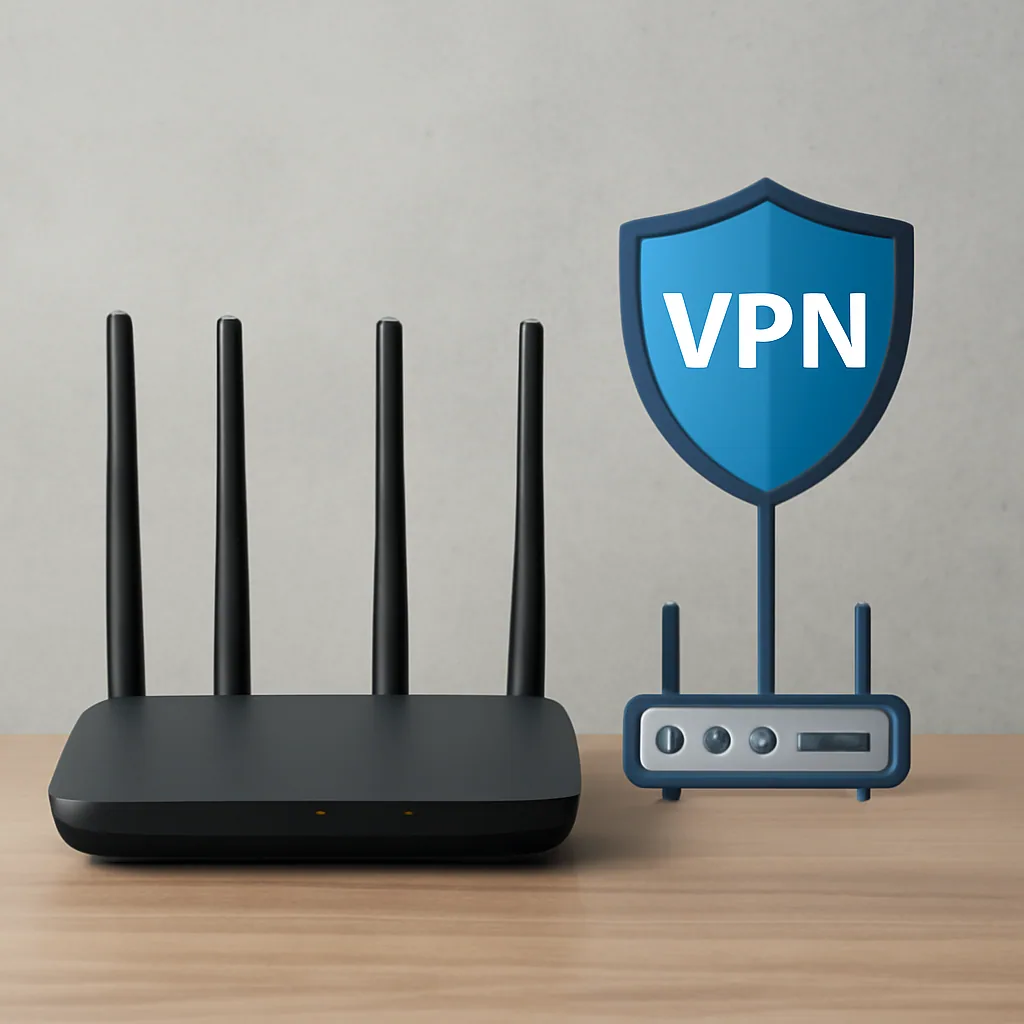
These come with VPN software already installed, so you skip the technical setup entirely. If you want the simplest path to using your router as a VPN gateway, this is it.
Flashable routers with custom firmware
Routers running DD-WRT or Tomato firmware can usually be configured for VPN use, though it takes more technical comfort.
Standard home routers with built-in VPN support
Some newer routers, including certain WiFi 7 and mesh systems, include VPN client settings right in the admin panel1.
My honest recommendation: if you're not comfortable with firmware, buy a pre-configured VPN router or check your current one for built-in support first. It's the least frustrating route, and it still lets you protect every device at home without touching a command line. For the actual VPN service running on top of that router, Safeneon VPN works on Windows and Android today, with iPhone and Mac apps still in the works.
How to Set Up a VPN on Your Router Step by Step
Ready to actually flip the switch? Here's where I see most people trip up: they try to configure the VPN directly on the router's firmware before testing the VPN works on a laptop first. Fix that order, and the whole process gets a lot less frustrating.
The Mistake: Jumping Straight Into Router Firmware
Logging into your router admin panel first, before confirming your VPN credentials work anywhere, is asking for trouble. If something fails, you won't know if it's the router or the VPN account causing it.
I've watched beginners spend an hour debugging a router setting when the real issue was a typo in their login details.
The Better Way: Test, Then Configure
- Confirm your VPN account works on a phone or laptop first, using an app like Safeneon VPN's Windows or Android client.
- Log into your router's admin page, usually by typing its IP address into a browser.
- Find the VPN client section, often under "Advanced" or "WAN" settings.
- Enter your VPN service's server address, username, and password, or upload the configuration file your provider gives you.
- Save, reboot the router, and check your connection from a connected device.
Some routers come pre configured with VPN support baked in, which saves this whole process. Others support OpenVPN natively through their firmware.
Flashed Firmware: A Different Path
If your router doesn't support VPN out of the box, flashing it with VPN-ready firmware is an option, though it can affect your warranty. Some routers even ship with professional setup included, which skips the manual work entirely1.
Configuring a VPN on Travel and Portable Routers
How do you get a VPN running in a hotel room in about ten minutes? Travel routers are built exactly for this. Unlike your home router, they're small, pre-configured for VPN use, and designed for people who move around a lot.
A Quick GL.iNet Example
Say you're staying at a hotel with shared Wi-Fi. You connect the travel router to the hotel network, then log into its admin panel from your phone or laptop.
From there, you enter your VPN service's server details, usually through an OpenVPN or WireGuard config file. Once saved, every device you connect to that little router, phone, tablet, laptop, gets covered automatically.
Why Travel Routers Work Well for This
These devices skip a lot of the setup pain that comes with router router vpn configurations on bigger home equipment. They're pocket-sized, run on USB power, and most support the major VPN protocols out of the box.
That matters because hotel and airport networks are often the least secure places you'll connect, so having protection built into the router removes the need to install anything on each device.
What You'll Need
- A travel router or similar portable router
- Your VPN login details or a config file
- A few minutes to enter server info into the router's dashboard
Our take: Travel routers earn their price when you're constantly on unfamiliar Wi-Fi. For home use, a dedicated VPN router still makes more sense,
Conclusion
Setting up a VPN router isn't a one-and-done decision; it's a trade-off between whole-home coverage and the flexibility of app-based protection. If you've made it this far, you probably already know a router VPN makes sense when you've got smart TVs, consoles, and IoT gadgets that can't run VPN apps on their own.
The real work happens in the setup details: picking compatible firmware, testing your connection before you commit, and choosing a service that won't choke your bandwidth once every device in the house is routing through it. That last part matters more than people expect. A slow VPN on one laptop is annoying.
A slow VPN on your entire network is a daily headache.
Safeneon VPN fits well into this picture for anyone who wants router-level privacy without wrestling with clunky configs or guessing which protocol actually works on their hardware. It's built to handle the kind of steady, always-on connection that router setups demand, whether you're running it on a home router or a compact travel unit in a hotel room. And if you're still deciding whether a router VPN is worth the setup time, trying it on a single device first is a reasonable way to see how it performs before committing your whole network to it.
Try Safeneon VPN free – no card needed.
Key Takeaways
- A VPN router secures every connected device on the network, not just one gadget.
- Choose between a VPN router and device apps based on your actual coverage needs.
- Check whether your router supports VPN setup natively before buying new hardware.
- Router VPNs trade some convenience for broader, whole-network protection and coverage.
- Test the VPN on a laptop first before configuring it directly on router firmware.
Expert Quotes
A VPN router secures your home network by extending protection to every device that connects to your Wi-Fi, rather than requiring a separate app on each one. VPN Router: How to Secure Your Home Network
Choosing the right VPN router comes down to matching the hardware and features to how you actually use your home network. The Best VPN Routers 2026, allaboutcookies.org
FAQ
1. Can I add a VPN to my router?
Yes, in most cases. Some routers come with VPN support built right in, so you just need to log into the admin panel and enter your service's configuration details. Others don't support VPNs natively, but you can fix that by flashing custom firmware like DD-WRT, OpenWrt, or Tomato, which adds VPN client functionality.
If flashing firmware sounds intimidating, buying a router that's already VPN-ready is the simpler route.
2. Can the FBI see through VPNs?
A VPN hides your traffic from your internet provider and encrypts your data as it travels, but it isn't a magic cloak. Law enforcement agencies with legal authority can still pursue other avenues, like requesting logs from a VPN service itself, issuing warrants, or using traditional investigative techniques that don't rely on breaking encryption. This is why the logging policy of your VPN service matters so much.
A strict logging policy has nothing to hand over even if asked. But no VPN can promise total invisibility against a determined, well-resourced investigation.
3. What is replacing VPNs?
Nothing has fully replaced VPNs yet, but a few technologies are chipping away at specific use cases. Zero Trust Network Access (ZTNA) is gaining traction in business settings because it grants access on a per-application basis rather than opening up an entire network. Secure Access Service Edge (SASE) is another enterprise-focused approach that bundles networking and security together in the cloud.
For everyday privacy and home router use, though, VPNs remain the standard, and nothing consumer-friendly has come along to truly take their place.
4. How do I configure a VPN on my travel router?
Start by logging into the router's admin interface through your browser, usually by typing its default IP address. From there, head to the VPN section of the dashboard, where you'll find options for both VPN client and VPN server setups. If you're connecting to a service provider, you'll need to upload the configuration file they supply, often in OpenVPN or WireGuard format, and enter your login credentials.
Once saved, you can toggle the VPN on and choose which devices route through it. Travel routers are built with this process in mind, so the interface walks you through most of it without needing command-line work.
5. Do I need a VPN on my router if I already use one on my phone or laptop?
Not strictly, but there's a real advantage to doing both. A router-level VPN protects every device connected to your network automatically, including smart TVs, game consoles, and other gadgets that can't run VPN apps on their own. Running a VPN on individual devices still makes sense for when you're out and about on other networks.
Together, they cover more ground than either one alone.